Bring a focused list
Upload CSV or Excel contacts. Map every useful column into a reusable personal variable.
Import the people you actually want to reach, write a personal message, and let SimpleReach handle safe pacing, one thoughtful follow-up, and reply tracking.
Works with the tools already in your workflow
SimpleReach is for small, well-researched lists—not mass email blasts. You keep control of the message while the repetitive sending and tracking work happens in the background.
Upload CSV or Excel contacts. Map every useful column into a reusable personal variable.
Create one relevant email and one optional follow-up, with a preview before anything sends.
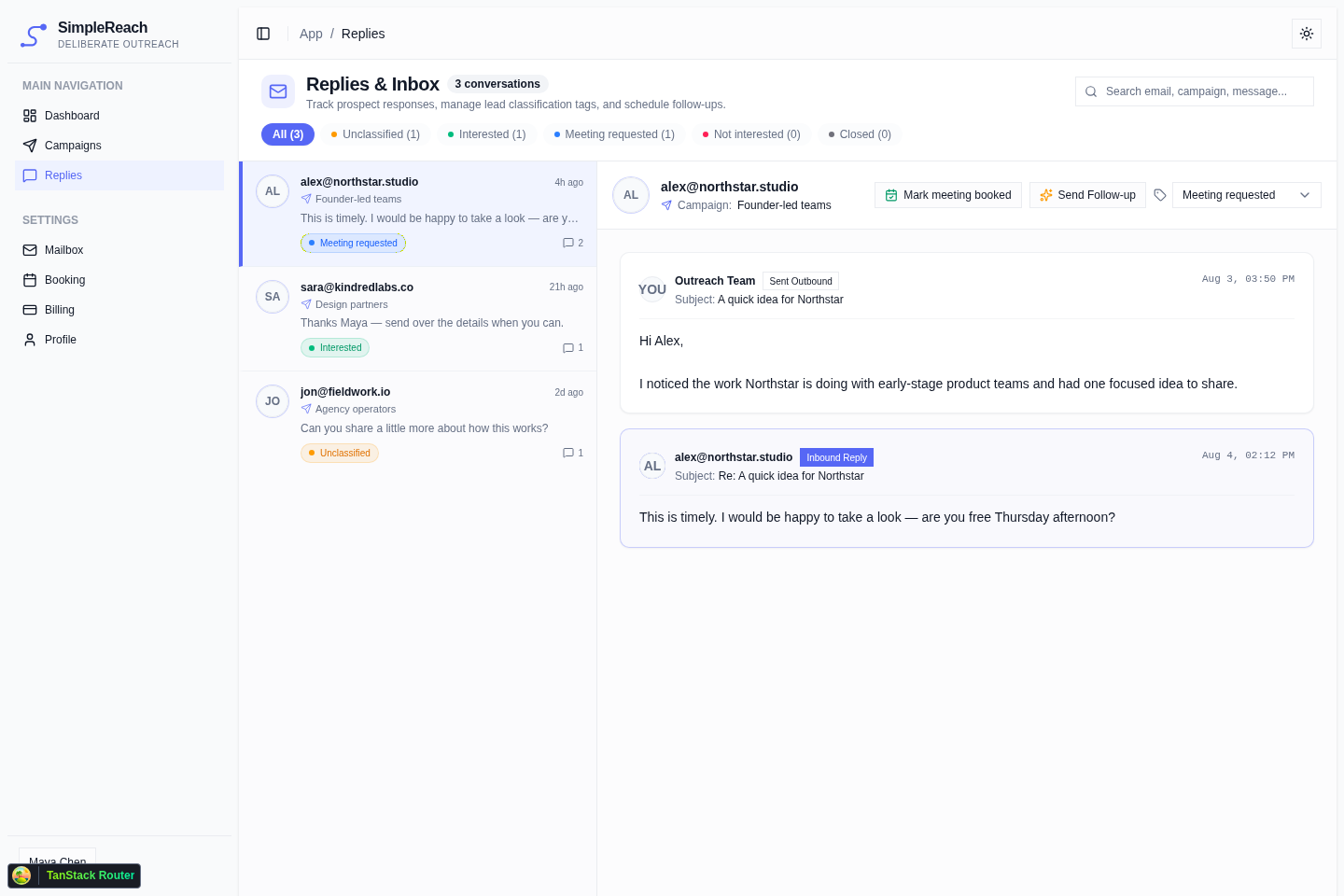
See inbound conversations together, classify intent, and keep promising leads moving.
No pipeline maze. Just the tools a small team needs to run careful outreach.
Read the full thread, classify intent, send a follow-up, and mark booked meetings without hunting through Gmail.
Set weekday windows and space messages apart. Plan limits keep campaigns intentionally small.
Turn mapped columns into message variables and make every note feel written for one person.
A reply, bounce, closed lead, or booked meeting prevents an awkward automated follow-up.
Add your preferred booking link and surface possible calendar matches alongside replies.
Both plans include the complete workflow. Choose based on the number of contacts and campaigns you run.
For a founder building one focused pipeline.
For consultants and small teams with more than one audience.
SimpleReach gives founders leverage without turning thoughtful messages into high-volume automation.
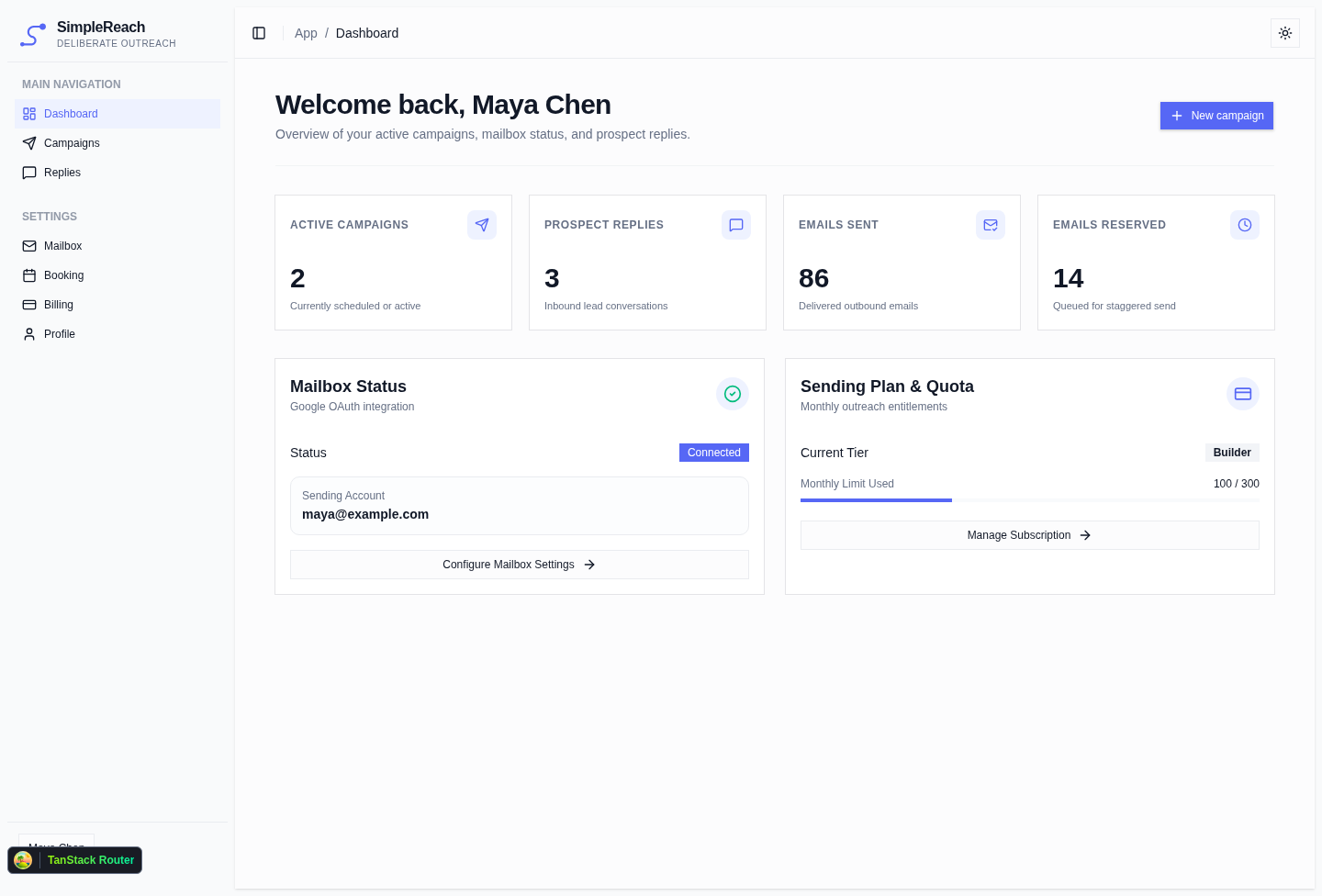
Connect a Google mailbox through OAuth and keep sending tied to an identity prospects can trust.
Daily and monthly plan limits encourage research and relevance over list size.
Follow-ups are skipped when a prospect replies, bounces, closes, or books a meeting.
Still unsure? Sign in to see the setup flow before choosing a paid plan.
You connect a Gmail or Google Workspace mailbox through Google OAuth. Campaign messages are then scheduled from that connected mailbox inside the sending windows you choose.
No. SimpleReach is intentionally designed for focused lists. Plan-level daily and monthly limits, spaced sending, and a single optional follow-up support a lower-volume workflow.
The reply appears in the shared inbox with its campaign context. You can classify the lead, review the thread, and mark a meeting. An outstanding automated follow-up is skipped once a reply is detected.
Yes. Upload a CSV or XLSX file, select the email column, and map other columns to placeholders such as first name, company, or a custom research note.
Yes. Add your preferred public booking URL and insert it into campaign messages. Optional calendar detection can also surface possible meeting matches in the reply workflow.
Yes. Plans are billed monthly and can be changed or cancelled without a long-term contract.
Connect your Google mailbox, bring a focused list, and build your first campaign.
Start with Google